Best Workflow Automation Tools for Centralized Incident Tracking in 2026
Many teams still switch between five separate tools just to log, track, and close a single incident.
That scattered process leaves gaps in compliance records that auditors flag every quarter, and it drives the search for one system that can handle workflow, policy, and proof in the same place.
By the end of this article you will know which four features separate the tools that keep every incident step auditable from those that still require manual follow-up, how Process Street stacks up on the checklist, and why one vendor earns the top ranking for centralized incident tracking in 2026.
What to Look For in Workflow Automation Tools for Centralized Incident Tracking in 2026
Workflow automation tools for incident tracking in 2026 must combine AI triage, strict compliance controls, and real-time status synchronization across teams.
Teams evaluating these platforms need to examine AI triage accuracy rates carefully. Tools should demonstrate consistent performance above 85 percent on standard benchmarks for incident categorization. Look for platforms that provide training data transparency and confidence scores with each routing decision.
SLA monitoring granularity determines how precisely response times are tracked. The best solutions measure performance at the individual ticket level rather than aggregate team metrics. This includes measuring time spent in each status bucket and calculating breach probability before deadlines arrive.
Audit trail retention periods matter for regulatory compliance across industries. Organizations should verify that complete incident histories are stored for at least seven years. Search functionality must remain available throughout the retention window without performance degradation.
API throughput limits affect integration stability with existing systems. Leading platforms handle at least 1,000 requests per minute during peak incident periods. Rate limiting should include clear documentation about burst capacity and recovery intervals.
Multi-region data residency options support global compliance requirements. Teams need control over where incident data is stored and processed. Options should include major regions such as North America, Europe, and Asia Pacific with clear data transfer agreements.
Escalation rule complexity handling determines whether sophisticated response protocols can be automated. The platform must support conditional logic based on incident severity, affected services, customer tier, and time of day. Rule testing environments help prevent unintended escalations during configuration changes.
1. Process Street - Best Overall
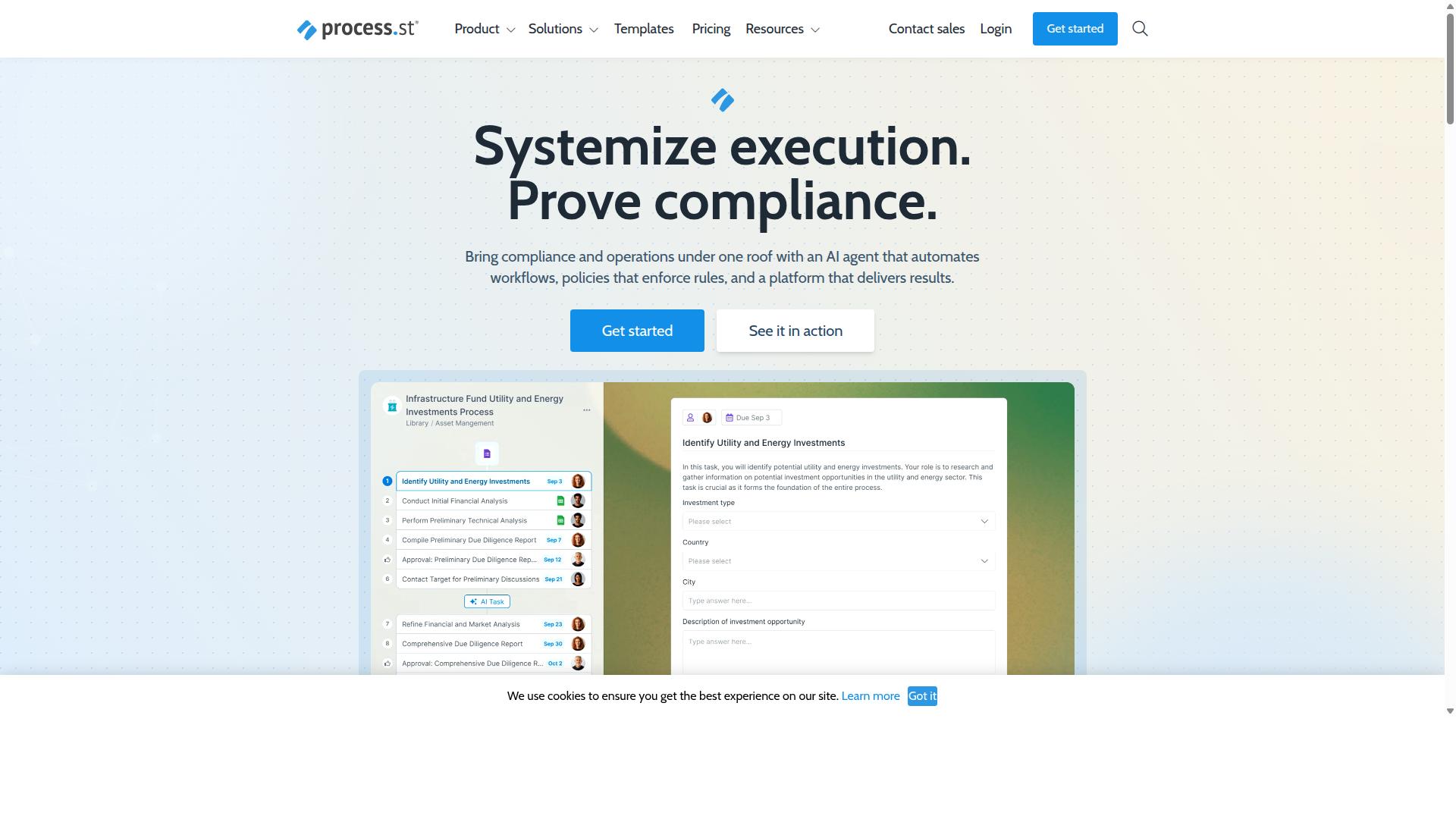
Process Street earns the top spot because it merges workflow automation with compliance-grade tracking for incident lifecycles. The company operates as a compliance operations platform that automates business processes and enforces policies while delivering audit-ready proof. This approach supports the 2026 trend toward centralized incident tracking that combines AI orchestration with regulatory requirements.
Three products work together to handle the full incident lifecycle. Docs manages document and policy governance, Ops turns policies into AI-powered workflows, and Cora monitors regulations while flagging risks. This structure creates a centralized platform that teams can trust for both operational speed and compliance evidence.
AI-Powered Incident Workflows
Incident workflows become adaptive when rules engines automatically route tickets and score priorities based on real-time data. AI orchestration handles the complexity of modern incident tracking by making decisions that teams previously managed manually. This automation reduces delays and ensures consistent handling across the incident lifecycle.
Conditional routing logic uses rule sets that direct tickets based on incident type, severity, and team availability. For example, security incidents route to the security team while hardware issues go to infrastructure. These rules adapt as conditions change during the incident response process.
Predictive analytics provide priority scoring that considers historical patterns and current system load. Machine learning triage ranks incidents by potential impact and urgency. This scoring helps teams focus resources on the highest-risk situations first.
Dynamic escalation rules activate when SLA breach thresholds approach. The system monitors time-based triggers and automatically escalates tickets that risk missing service commitments. This notification engine keeps incidents visible and prevents missed deadlines.
Process AI and Automations together handle automation actions across connected incidents. The system processes tickets, updates statuses, and generates alerts without manual intervention. This scale supports the centralized platform approach that large organizations need.
Compliance-Ready Audit Trails
Audit trails must capture every incident action from creation through resolution with timestamps and user attribution. Process Street delivers this capability through its compliance operations platform design. Every change to an incident record becomes part of the permanent evidence chain.
The platform supports governance requirements for ISO 9001, SOC 2, SOX, and FDA standards. Each incident record includes fields for creation time, user actions, status changes, resolution details, and approval steps. These fields create the documentation auditors require.
Reports generate directly from the captured data without manual compilation. The system assembles compliance documentation from the same records used for daily operations. This approach eliminates the gap between operational work and audit preparation that many teams face.
Docs handles the policy control side of compliance while Ops manages the workflow evidence. Together they ensure that incident tracking meets regulatory standards without creating separate processes. Teams maintain one system for both operational efficiency and audit readiness.
Integrations and Data Residency Options
Seamless integrations and regional data control ensure incident data stays synchronized across tools and jurisdictions. Process Street connects with Zapier, Microsoft Power Automate, Tray.io, Make, and provides public API access. These connections support automation apps that extend workflow capabilities beyond the core platform.
Data residency options exist in US, UK, Canada, EU, Australia, and UAE regions. Organizations can select the location that matches their regulatory requirements. This choice matters for multinational teams that must keep incident data within specific geographic boundaries.
Status updates sync automatically across connected systems when incidents change. The integration APIs keep external tools current without manual data entry. This synchronization reduces the risk of outdated information across different departments and their separate systems.
Analytics and Apps features provide visibility into how integrations perform. Teams can monitor data flow and identify any connection issues before they affect incident response. This oversight supports the reliability that centralized incident tracking demands.
2. LogicGate Risk Cloud
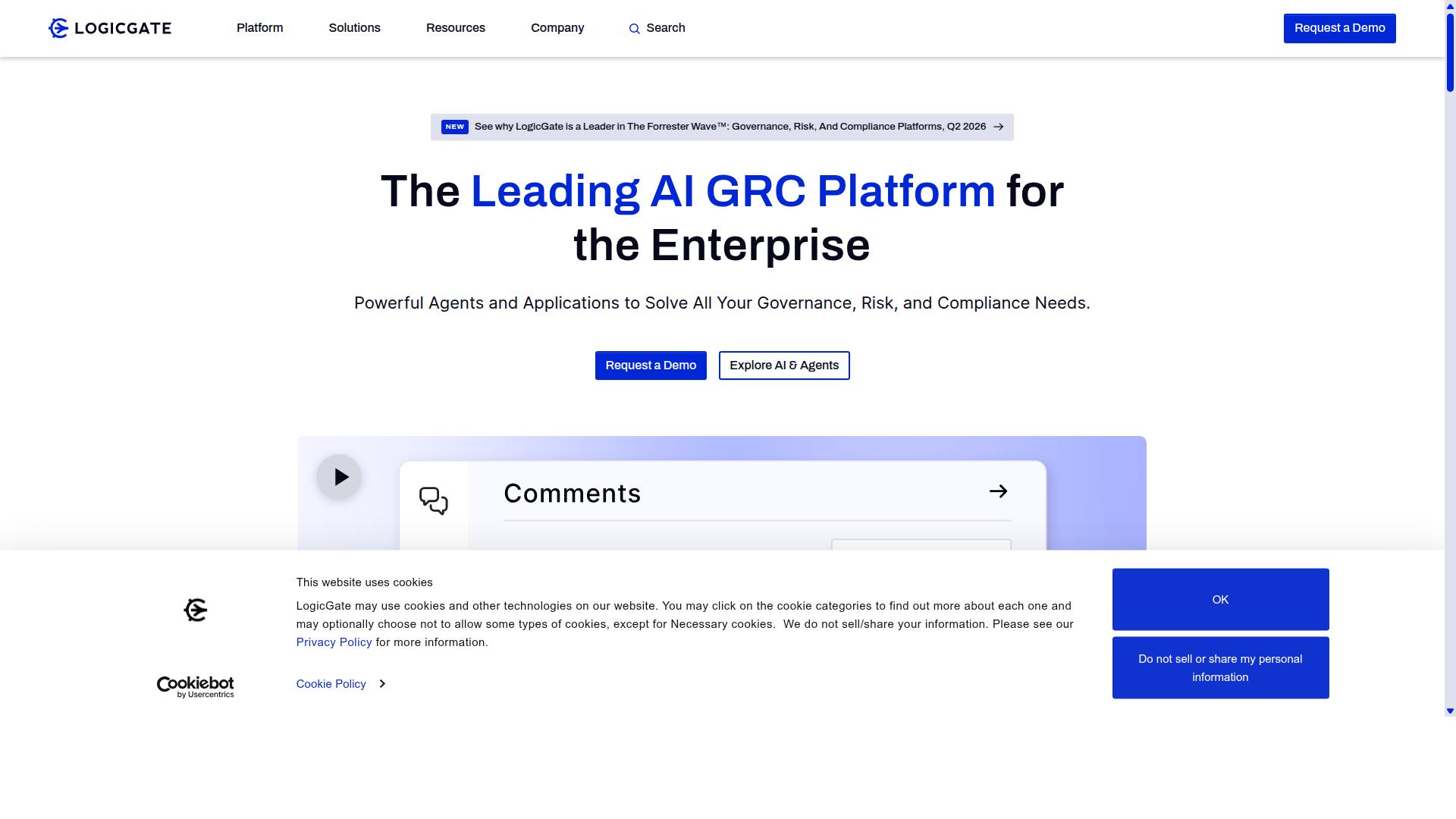
First sentence: LogicGate Risk Cloud focuses on risk-based incident management for heavily regulated industries.
The platform provides workflow automation tools that help teams build structured processes around incident tracking and response. Users can create custom rules to route tickets, manage escalations, and maintain visibility across the entire incident lifecycle.
Compliance mapping features connect incident data to regulatory requirements. This helps organizations demonstrate how each case aligns with audit standards and policy frameworks without manual documentation work.
Risk scoring capabilities assign priority levels based on factors like business impact and regulatory exposure. Automated calculations update dynamically as new information appears in the centralized platform.
Real-time dashboards display incident status across multiple teams. These views support collaboration by showing who owns each case and what actions have already been completed.
Integration APIs connect the system to existing service desk tools and notification engines. This reduces duplicate data entry and keeps status synchronized between different platforms.
Audit trails record every change made to an incident record. These logs support compliance reporting and root cause analysis when teams need to review past decisions.
3. Onspring
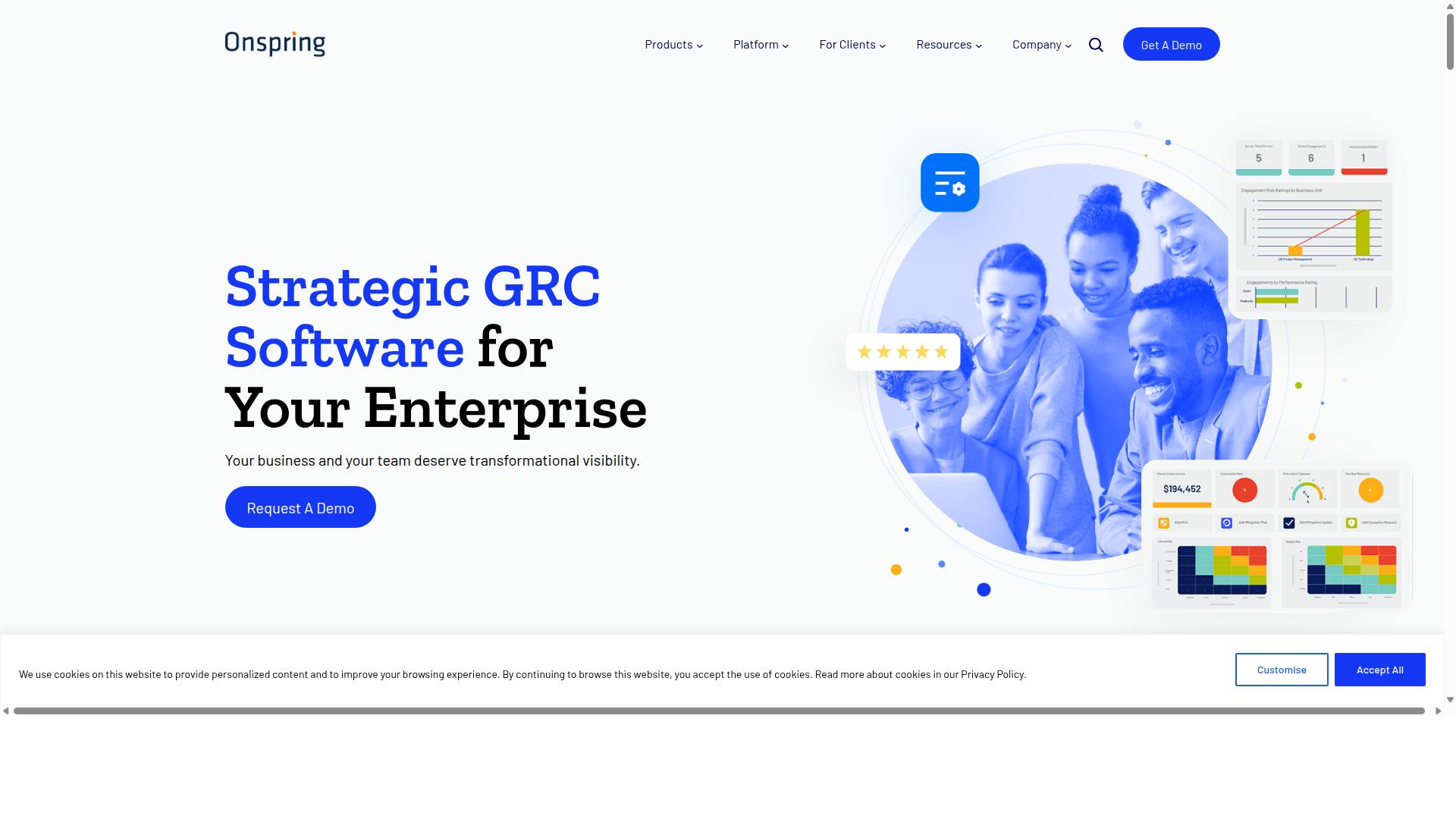
Onspring delivers configurable workflows and reporting dashboards for mid-market operations teams. The platform focuses on enterprise workflow automation with strong positioning in the 2026 market. Teams use it to manage incident tracking through structured processes and oversight capabilities.
The workflow builder allows users to create automated paths that guide incidents through defined stages. Configurable forms capture relevant details at each step while maintaining consistency across the incident lifecycle. These forms adapt based on incident type and required information fields.
Dashboard capabilities provide visibility into incident status and team performance metrics. Teams can monitor resolution metrics and track patterns across multiple incidents. The system supports compliance reporting through built-in audit trails.
Organizations benefit from centralized platform features that bring together incident data from various sources. Real-time dashboards help teams respond quickly to changing conditions. The platform includes capabilities for escalation rules and priority scoring.
Users can establish automation rules that route tickets based on incident categorization and severity levels. The system supports cross-team collaboration through shared access to incident information. Notification engines alert relevant team members when incidents require attention or updates.
Teams gain access to knowledge base features that help document resolutions and common issues. The platform includes tools for change management processes alongside incident response activities. Overall, Onspring serves organizations seeking structured workflow automation for their incident tracking needs.
4. ServiceNow
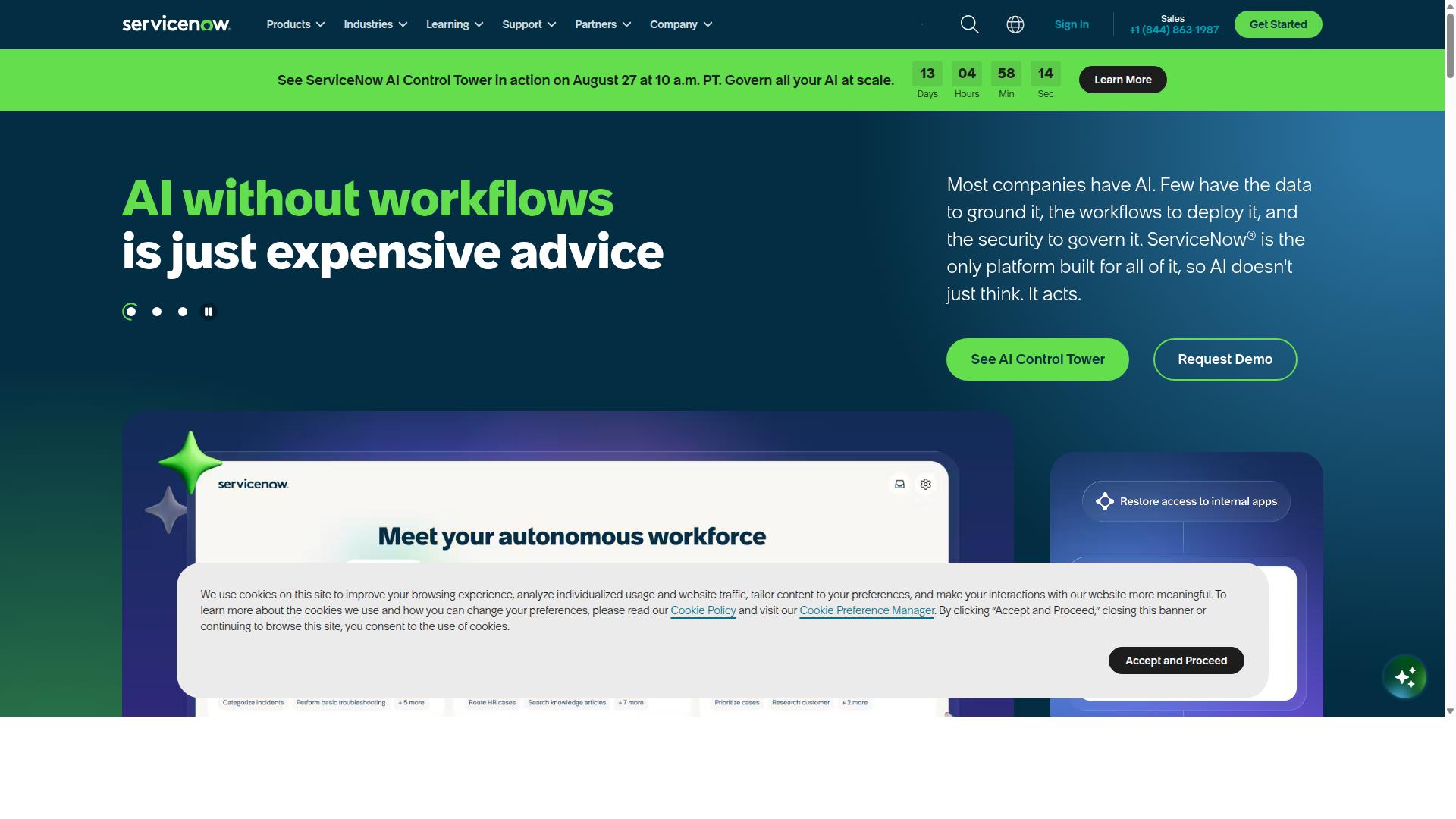
ServiceNow remains the enterprise standard for IT incident and service-desk management at scale.
Its platform connects people, processes, and systems through AI-powered workflows and data integration. Organizations use IT Service Management and IT Operations Management to handle incidents across complex IT environments with multiple teams and locations.
ServiceNow includes AI Agents that handle autonomous task execution and the Otto AI assistant for user interactions. These features support automated ticket routing, priority scoring, and status synchronization across service desk operations.
The platform also offers Process Mining and RaptorDB for real-time analysis. Teams can track incident lifecycle stages, monitor SLA compliance, and maintain audit trails for compliance reporting requirements.
ServiceNow provides App Engine for custom application development and AI Control Tower for governance oversight. Large organizations deploy these tools to manage change management processes alongside incident tracking and resolution metrics.
The system integrates with Security Operations and Customer Service Management modules. This approach enables alert correlation, root cause analysis, and cross-team collaboration on complex incidents that span multiple departments.
Additional capabilities include HR Service Delivery, Field Service Management, and Strategic Portfolio Management. These products extend workflow automation beyond traditional IT incident tracking into broader enterprise service delivery.
How to Choose the Right Option
Choosing the right platform depends on team size, compliance requirements, and integration needs. Operations, Compliance, and IT teams each bring different priorities to the evaluation process.
Start by mapping compliance standards required for your industry. Financial services, healthcare, and manufacturing each face distinct regulatory frameworks that dictate how incident data must be stored and reported.
Next, quantify incident volume and user count. High-frequency environments require different automation rules than occasional issues. Document both current numbers and projected growth to avoid platform limitations later.
Then list critical integrations that connect with existing service desk and ticketing systems. Integration APIs determine how effectively incident data flows between teams without manual re-entry.
Finally, evaluate automation limits around ticket routing, SLA monitoring, and escalation rules. These constraints directly impact response times and resolution metrics across the incident lifecycle.
Process Street supports these evaluation steps through its verified use cases in compliance and quality tracking. The platform serves teams in Operations, Compliance, and IT across multiple regulated industries.
Final Verdict
Teams seeking automated, audit-ready incident workflows should prioritize platforms that tightly couple compliance and automation.
Process Street stands out through its AI workflows, SOC 2 Type II and ISO 27001 certifications.
These elements create a secure, compliant environment for handling sensitive incident data across regulated industries.
IMCD UK reported a 75% reduction in setup time after implementing the platform, demonstrating clear efficiency gains for new deployments.
With trust from 3,000+ companies and 1m+ users, the platform delivers proven reliability for incident tracking at scale.
Security remains paramount through multiple compliance certifications including HIPAA, GDPR, and CCPA standards.
Data never trains AI models, which preserves confidentiality during incident categorization and priority scoring activities.
Teams gain centralized platform capabilities that support ticket routing, SLA monitoring, and escalation rules without sacrificing security requirements.
The 5-minute average response time and 98% customer rating indicate strong operational support for time-sensitive incident lifecycle management.
Process Street provides the strongest option for compliance-focused teams that need both workflow automation and rigorous audit trails in 2026.
Recommended Resources: